 Analysis by Gamescozy
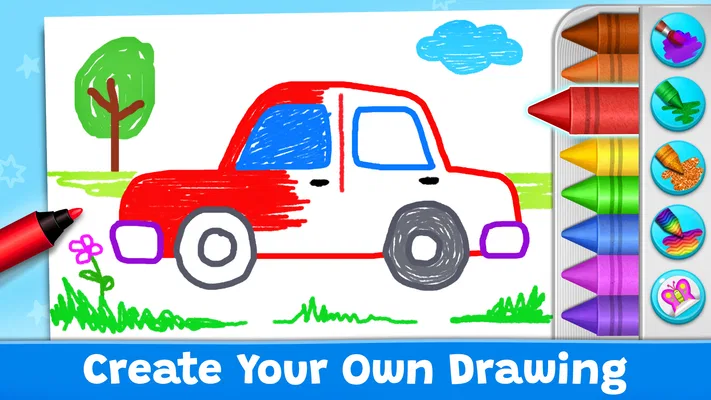
The first thing I notice about Coloring Games: Color & Paint is that it treats a coloring activity as something a child can enter quickly, rather than a project that needs much setup. It is an educational game from RV AppStudios, aimed at young players who want to choose colors, fill in pictures, and try different ways of making marks. That simple premise is its strength: a child can get started with a screen and a little curiosity, while an adult can offer a small creative activity without turning it into a lesson.
In my view, it works best as a relaxed, short-session choice for children who enjoy drawing but may not yet have the patience or fine motor control for a blank digital canvas. The app is free and rated for Everyone, so it is easy to consider for a family device. Its broad reach is reflected in more than 100 million installs, but that scale is not the reason I would recommend it. The more useful question is whether its playful approach suits the child in front of you—and whether you are looking for guided coloring or a more open-ended art tool.
Coloring that feels inviting, not intimidating
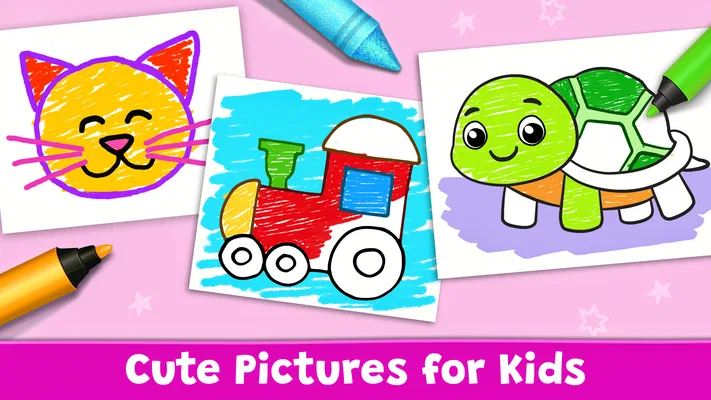
A blank page can be surprisingly demanding for a young child: deciding what to draw, where to begin, and how to make the result look “right” all take effort. A coloring game lowers that barrier by giving the child a picture to work with. I find that distinction important. It makes the activity less about producing an impressive drawing and more about experimenting with color and enjoying the act of filling a shape.
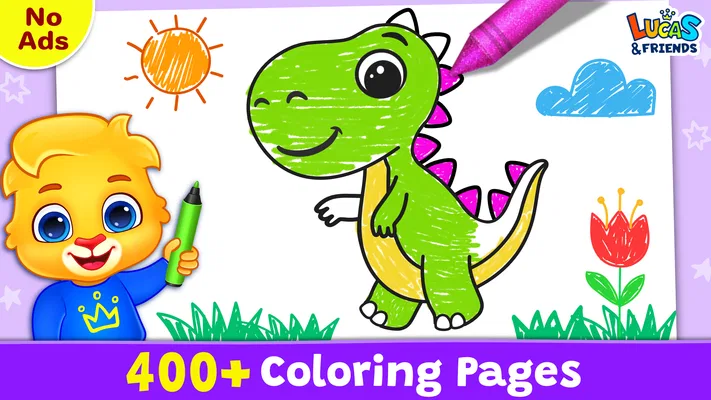
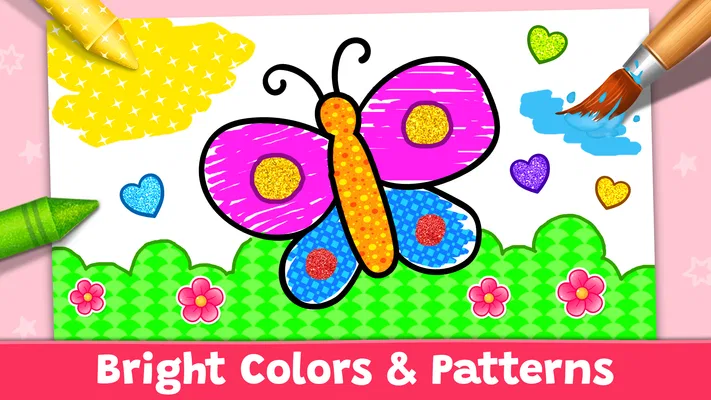
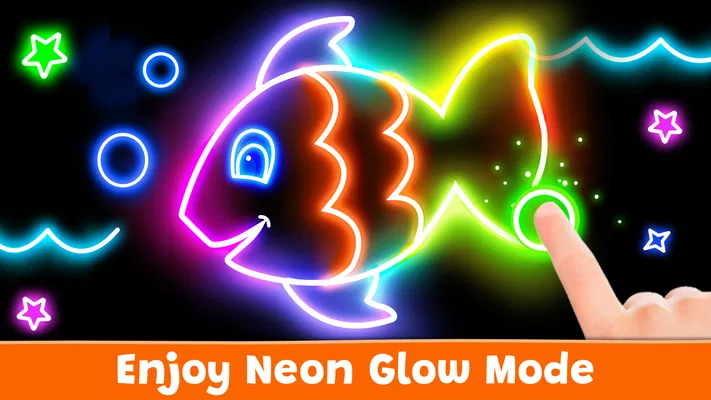
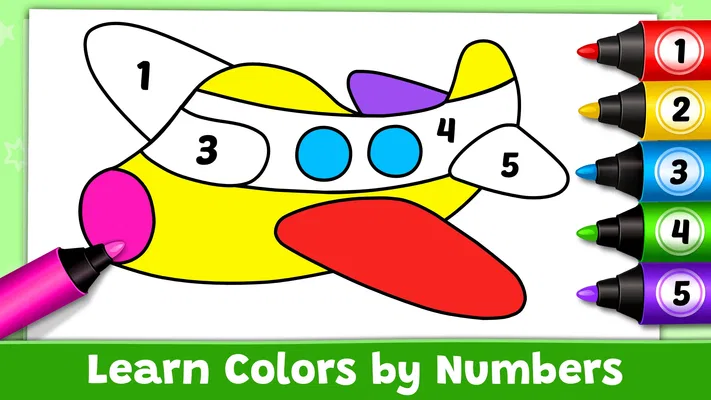
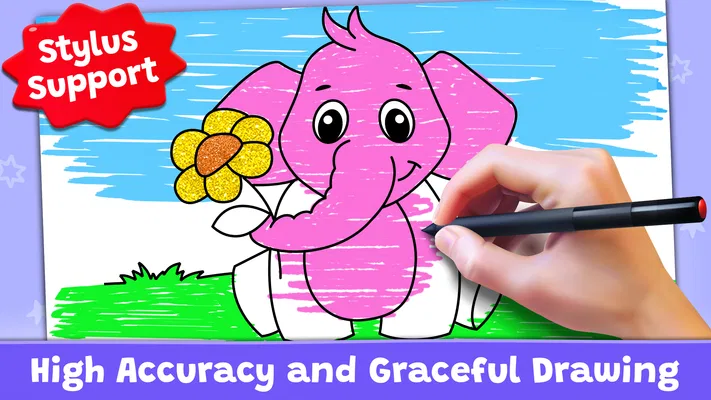
The app’s mix of coloring, painting, neon drawing, and educational games gives it a broader feel than a single digital coloring book. That variety can help when a child is ready for a change but still wants to stay within a familiar creative setting. Rather than insisting on one correct way to play, it offers several artistic modes in the same general world of color. For a preschooler or early elementary-age child, that can make it easier to move from simple filling to more exploratory mark-making.
I would still set expectations clearly: this is a children’s game, not a full drawing studio. A child who wants layers, detailed brush controls, or tools for building a polished illustration may find the experience too guided. On the other hand, those missing complexities are part of the appeal for a younger player. The app is most useful when the goal is accessible creative play, not teaching a complete digital art workflow.
A visual world built around color
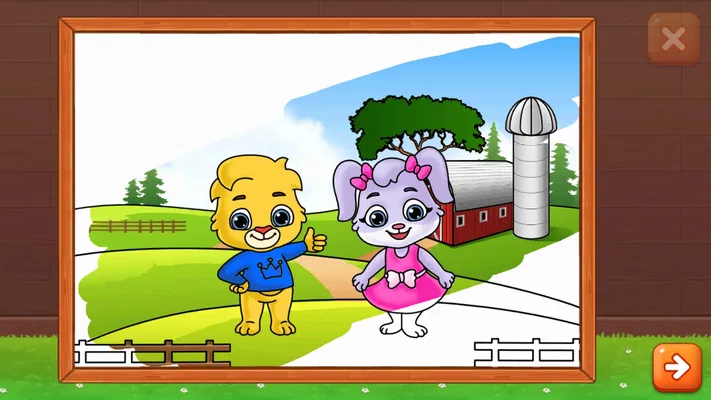
The art direction has a clear job: make the screen feel like a friendly place to try things. The coloring-book idea provides an understandable visual language, while painting and neon drawing suggest that the child can also play beyond simply filling outlines. This is a good fit for a young audience because the activity communicates itself. A child does not need a long explanation of what a coloring page is before they can take part.
That visual clarity also shapes the mood. The app is not asking a child to follow a complicated story or learn a large set of rules before having fun. Instead, the focus stays on choosing a visual activity and making something. I see that as a sensible choice for a game designed to be picked up in spare moments: the screen itself can be the invitation, rather than a narrative that requires sustained attention.
One practical way I would use it is to let a child choose the mode before handing over the device. If they are in a calm mood and want to concentrate, coloring a picture may suit them better; if they are restless and want to make more expressive marks, neon drawing may be the more appealing direction. Offering that small choice can prevent the common “I don’t know what to do” pause without taking over the activity.
There is a trade-off in this kind of visual design. Guided pages can help children who feel unsure about drawing, but they may not satisfy a child who wants to invent every part of a scene. If your child regularly prefers making pictures from scratch, a dedicated open-canvas drawing app may be a better fit. I would choose this one when the appeal is recognizable coloring-book play with a few different creative approaches, not unlimited artistic control.
Sound and the pace of a short session
The overall concept lends itself to a gentle rhythm: pick an activity, make a few choices, and spend time coloring or drawing. That is a useful pace for a child who may only have a few minutes before dinner, during a quiet break, or while waiting for an appointment. It does not need to become a long commitment to feel worthwhile. A single picture or brief creative burst can be enough to give the child a satisfying change of focus.
I would treat sound as part of the experience to check together, rather than assume that every child will want it at the same level. Some young players enjoy audible feedback while they draw; others are happier with a quieter screen, especially in a shared room or before bedtime. A practical routine is to try the game once with an adult nearby, then decide whether it suits the setting with sound on or whether a quieter play session is preferable. That makes the app easier to fit into family life without turning volume into a surprise.
The game’s educational framing also benefits from keeping the pace unhurried. Adults can ask a child to describe a color choice or notice how two colors look beside each other, but I would avoid making every session into a quiz. The activity is more likely to stay enjoyable if the child can experiment first and talk about the picture only when they feel like it. In my experience, that balance—play before instruction—is the more natural way to use a creative game with young children.
How the mechanics fit the age group
Coloring and painting are familiar actions, which makes the basic idea approachable even for a child who does not play many games. The educational-game element gives the experience a learning-oriented context, but the artistic activity remains central. That combination is a sensible middle ground for a parent choosing between a purely entertainment-focused game and a drawing tool that assumes the child already knows what to make.
There are a few useful ways to make the interaction feel more successful. For a child still learning to control a touchscreen, start with a short session and encourage broad color choices instead of expecting careful work around every edge. If the child gets frustrated by trying to make a picture look exact, remind them that experimenting is the point. And if they keep choosing the same activity, that repetition is not necessarily a problem; familiar actions can be comforting and can give them room to build confidence.
Adults should also think about the device and the child’s habits. A larger screen can make coloring feel less cramped for small hands, while a smaller phone may be convenient but can invite accidental touches. I would sit with a younger child the first time, not because the activity is difficult to explain, but because it is easier to see which mode captures their attention and whether they need help getting comfortable with the controls. After that, the right level of independence depends on the child.
Compared with a paper coloring book, the app offers a digital alternative that can bring several kinds of creative play together. Paper is still better if you want a screen-free activity, crayons in a child’s hands, or a finished page to put on the fridge. Compared with a general-purpose drawing app, this game is likely more approachable for a child who wants a prompt rather than a blank workspace. The trade-off is that a dedicated art app may offer greater control for an older or more ambitious young artist.
Its popularity is substantial: it has an average rating of 4.4 from around 122,000 ratings, alongside roughly 1,100 written reviews. I see those figures as useful context, not a guarantee that every child will love it. Children differ in whether they prefer outlines, free drawing, or offline materials, so a brief try is a better test than popularity alone. The game has been available since November 6, 2019, and its long-running presence makes it a familiar option in the children’s coloring-game space.
Who will enjoy it—and when another choice is better
I would recommend it to parents looking for an easy creative activity for a young child, especially one who likes coloring pages but is curious about painting or neon-style drawing too. It can also be handy for grandparents or caregivers who want a simple activity to offer during a quiet stretch, without needing to gather paper and art supplies. The strongest use case is not replacing every craft activity; it is providing a convenient, low-pressure option when a child wants to make something on a screen.
It is less suitable for a child who is already asking for precise drawing tools, advanced editing, or the freedom to construct elaborate pictures from nothing. It may also be the wrong choice when the family is deliberately trying to reduce screen time or when a child gets more absorbed by physical art materials. In those situations, a paper coloring book, washable paints, or a more capable drawing app can better match the goal.
One question parents often have is whether “educational” means the child needs to use it in a structured way. I would not approach it that way. The learning value is most naturally supported through play: naming colors, making choices, and noticing how a picture changes as it is filled. If you want a formal lesson plan or a focused subject course, this is not the substitute I would reach for. If you want creative practice with an educational flavor, the fit is more convincing.
Another practical consideration is that free access makes it easy to try, but I would still preview the experience before giving a younger child unsupervised time with it. That is good practice with any children’s app: check how it behaves on your device, decide what boundaries make sense for your household, and see whether the child can use it without getting frustrated. The Everyone age rating is reassuring as a broad content signal, but a parent’s own comfort and the child’s temperament should guide the decision.
A creative mood with a clear, modest purpose
What I like most about Coloring Games: Color & Paint is that its different creative ideas belong together. Coloring, painting, and neon drawing all support the same basic mood: a child gets to play with color without needing to be good at drawing first. That coherence matters more than a long list of activities. The game’s strongest contribution is making creative play feel approachable and easy to begin.
RV AppStudios has made an educational game that is best judged as a friendly digital art activity, rather than a comprehensive art course or a replacement for hands-on crafts. Its free price and Everyone rating make it straightforward to consider, while its 4.4 average and large audience suggest many families have found it worth trying. I would keep my expectations focused on short, cheerful sessions and let the child decide whether coloring or drawing is the draw that day.
My recommendation is simple: try it if your child enjoys guided pictures and wants a little more variety than a standard coloring page can offer. Sit nearby at first, let them explore without demanding a perfect result, and switch to paper or a more open-ended tool if they want greater freedom. Used that way, it can make a quiet moment feel creative without asking the child—or the adult—to turn play into work.